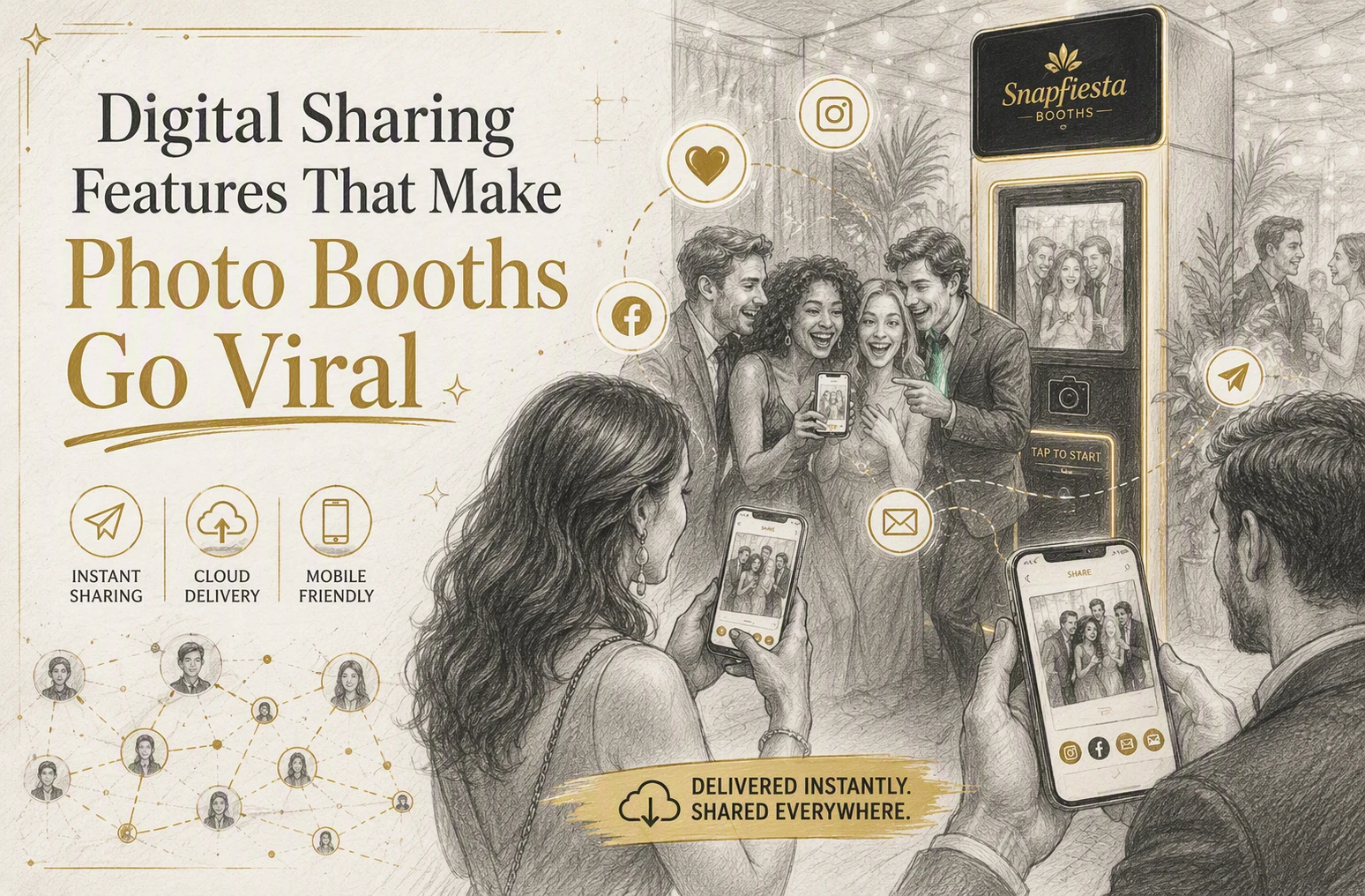

Quick Summary: Digital photo booths go viral when they make sharing quick and easy through instant text, QR codes, and branded overlays. Short videos, social walls, and gamification boost engagement, especially when sharing is frictionless. For events, using simple, mobile-friendly tools increases the chances of guests posting and spreading the photos widely.
At a wedding or product launch, Digital Photo Booths spread fast when guests get photos by QR code in seconds, post them with a branded frame, and spot them on a live feed before the event ends. The problem is simple: many Digital Photo Booths have plenty of Photo Booth Features, but not the ones that drive sharing. This guide shows which tools matter most, why Viral Photo Booths work, and how smart Digital Photo Booths win more posts, reach, and repeat shares.
The Sharing Features That Matter Most
The best sharing tools cut friction fast. If guests can get photos in seconds, they are far more likely to open, save, and repost them.
- Instant delivery through text, email, and QR code
Text wins for speed, email helps with longer gallery access, and QR works on the spot. Since 91% of U.S. adults own a smartphone, these three options cover almost every guest without forcing an app download.
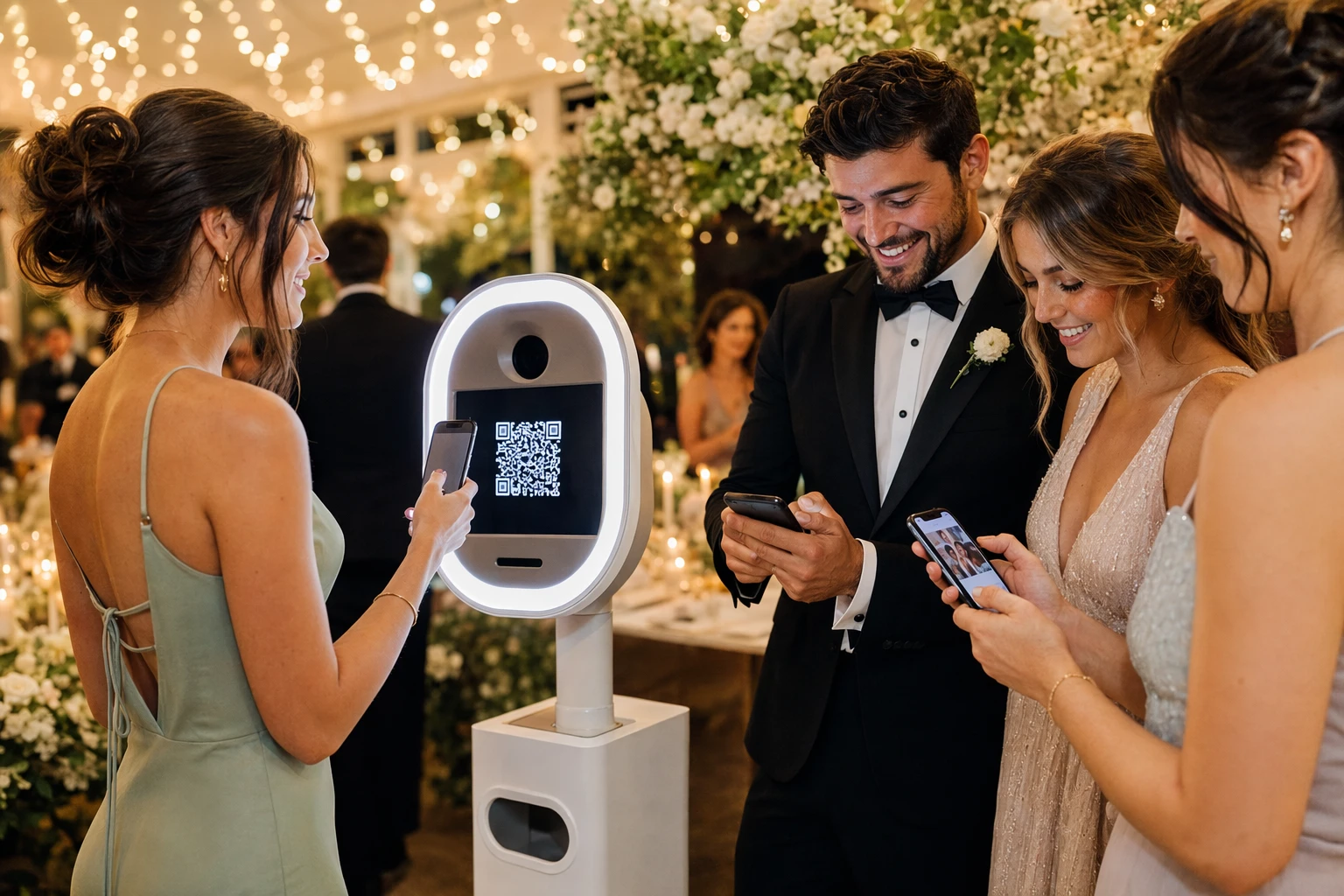
- One-tap access to the digital gallery
A good gallery should open in one tap, not after forms, passwords, or app installs. Pew Research says 96% of U.S. adults use the internet, so simple mobile access matters more than fancy extras.
Make Every Share Look Branded and Worth Posting
Custom overlays, frames, and event templates make each photo look finished before guests post it. Keep the design simple – logo, event name, date, and colors that match the room or campaign. Personalized content tends to earn more shares, and event teams often see stronger posting when the image feels made for the guest, not just the brand, as noted by Snapbar’s event UGC guide.
Hashtags, QR prompts, and call-to-share cues remove friction. Use one short hashtag, one QR code, and one clear prompt like “Scan and share your shot.” Hashtags help people find related posts, while QR codes speed up uploads and sharing, according to Sprout Social’s hashtag guide.
Also Read: 360 Overlay | Photo Booth Rental Ann Arbor & Detroit | 360 Photo Booth | Mirror Photo Booths
Use Motion, Social Walls, and Gamification to Boost Virality
Motion content spreads faster because it feels alive. Short clips give guests something worth reposting, and they fit the feeds people already use.
- GIFs, boomerangs, and short video clips work best when the action starts fast.
- Use prompts like confetti tosses, group cheers, or 360 spins.
- Keep clips under 10 seconds so sharing feels easy. Short-form video contests and UGC prompts keep entry simple and boost participation, according to this 2026 short-form video playbook.
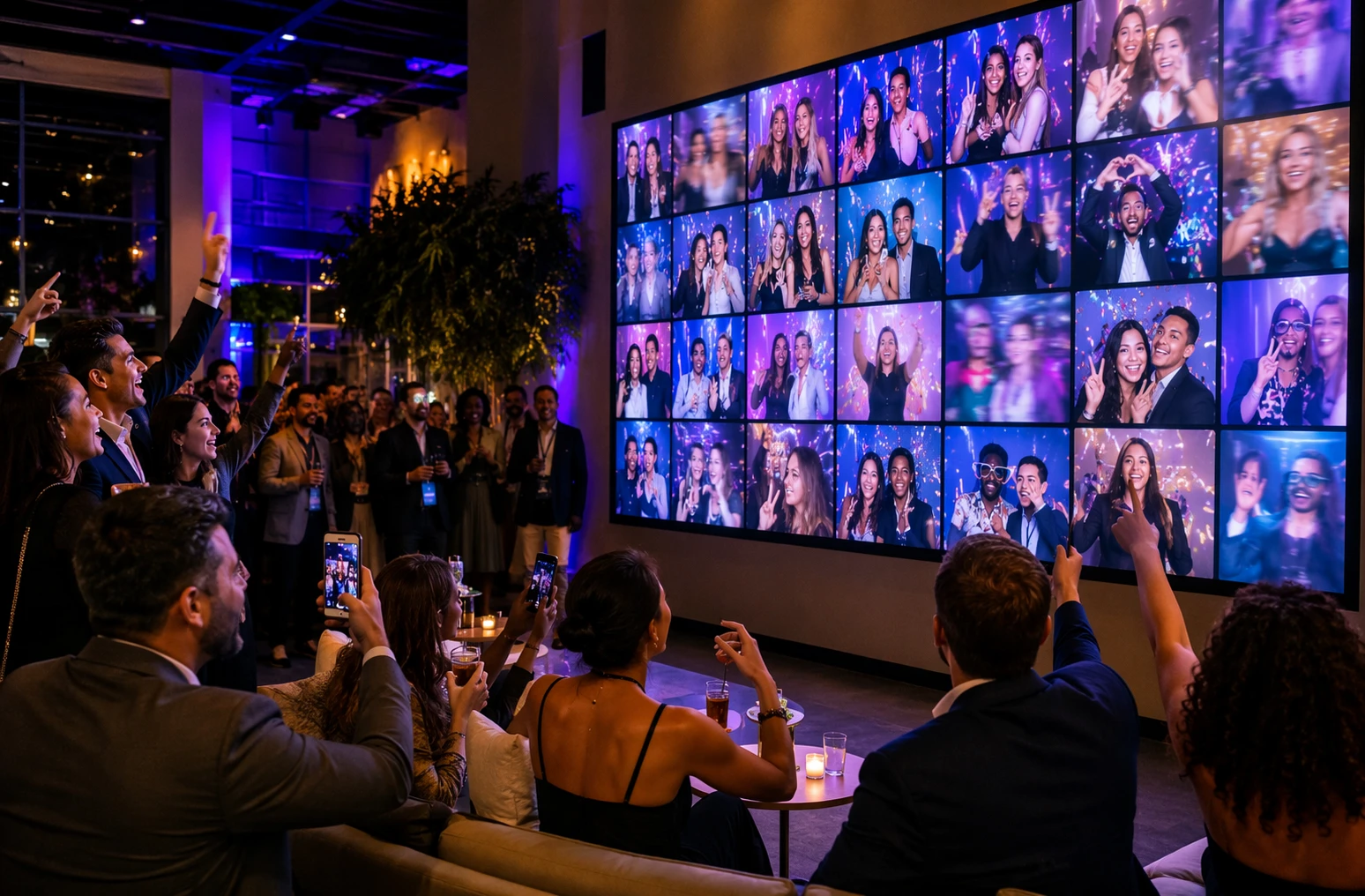
Social walls turn one share into many views. When guest posts appear on a venue screen, people want to join in and see themselves featured.
- Show live booth uploads, branded hashtags, and instant reactions.
- Add light moderation so the wall stays clean and on-brand.
- For brand activations, this creates public proof that people are engaging right now.
Keep the wall close to the booth or bar so guests notice it fast.
Gamification adds a reason to post now.
- Run a judged contest for funniest clip or best group pose.
- Offer simple prizes, not huge ones.
- Avoid sloppy “share-to-win” mechanics. Social promotions need clear rules and legal care, as noted by Reuters Practical Law on social media promotions.
Choose the Right Sharing Stack for Your Event Type
Weddings and private parties work best with low-friction sharing. Use instant SMS, QR download pages, and a simple gallery link guests can open fast. EventSnap’s 2026 survey says required app downloads kill participation, while QR-based sharing lifts uploads sharply according to its wedding guest research.
Corporate events and brand activations need more than fast delivery. They need branded overlays, lead capture, moderation, and post-event analytics. AVPartners notes that seamless sharing tools and strong Wi-Fi help drive more attendee content in its 2026 event UGC guide. Add email capture only if it feels quick and clear.
Use this short checklist before you book:
- Weddings/private parties: QR access, instant text delivery, guest gallery
- Corporate/brand events: branded landing page, moderation, analytics, opt-in capture
- All events: no app requirement, fast load time, clear share prompts
If guests have to think too hard, they will not share.
Want a booth guests actually share? Book SnapFiesta Booths for branded, instant digital sharing that turns moments into posts, leads, and buzz.
Frequently Asked Questions
Q1: How can digital sharing features make photo booths go viral at events?
Fast sharing removes friction. Guests post more when booths offer instant text, email, QR download, and branded overlays. Simple sharing plus a fun prompt, hashtag, or giveaway helps one photo spread across friend groups fast.
Q2: What are the best digital sharing options for photo booths at events in the US?
The best mix is SMS, email, QR codes, AirDrop-style transfer, and direct social posting. SMS wins for speed. QR codes work well in busy rooms. Email helps corporate lead capture. Weddings do best with simple guest galleries.
Q3: How do social media integrations boost event engagement with photo booths?
They turn each guest into a mini promoter. Built-in sharing to Instagram Stories, TikTok, and Facebook makes posting easy. Custom hashtags, branded frames, and live galleries give people a reason to check, share, and come back again.
Conclusion
Viral photo booth sharing comes from low-friction delivery, mobile-first formats, and built-in branding. In 2026, instant digital sharing is now standard for most booths, according to Captured Celebrations, so the best setups turn guest moments into easy, fast, branded posts.